...
CALL FOR ROADSIDE SERVICE
Skip to checklistCall (469) 781-2069

Commercial Truck Resource

Commercial Truck No-Start Information Checklist

Use this DFW commercial truck no-start checklist to preserve diagnostic evidence and give dispatch or a mobile diesel technician the information needed for a safer, better-prepared response.

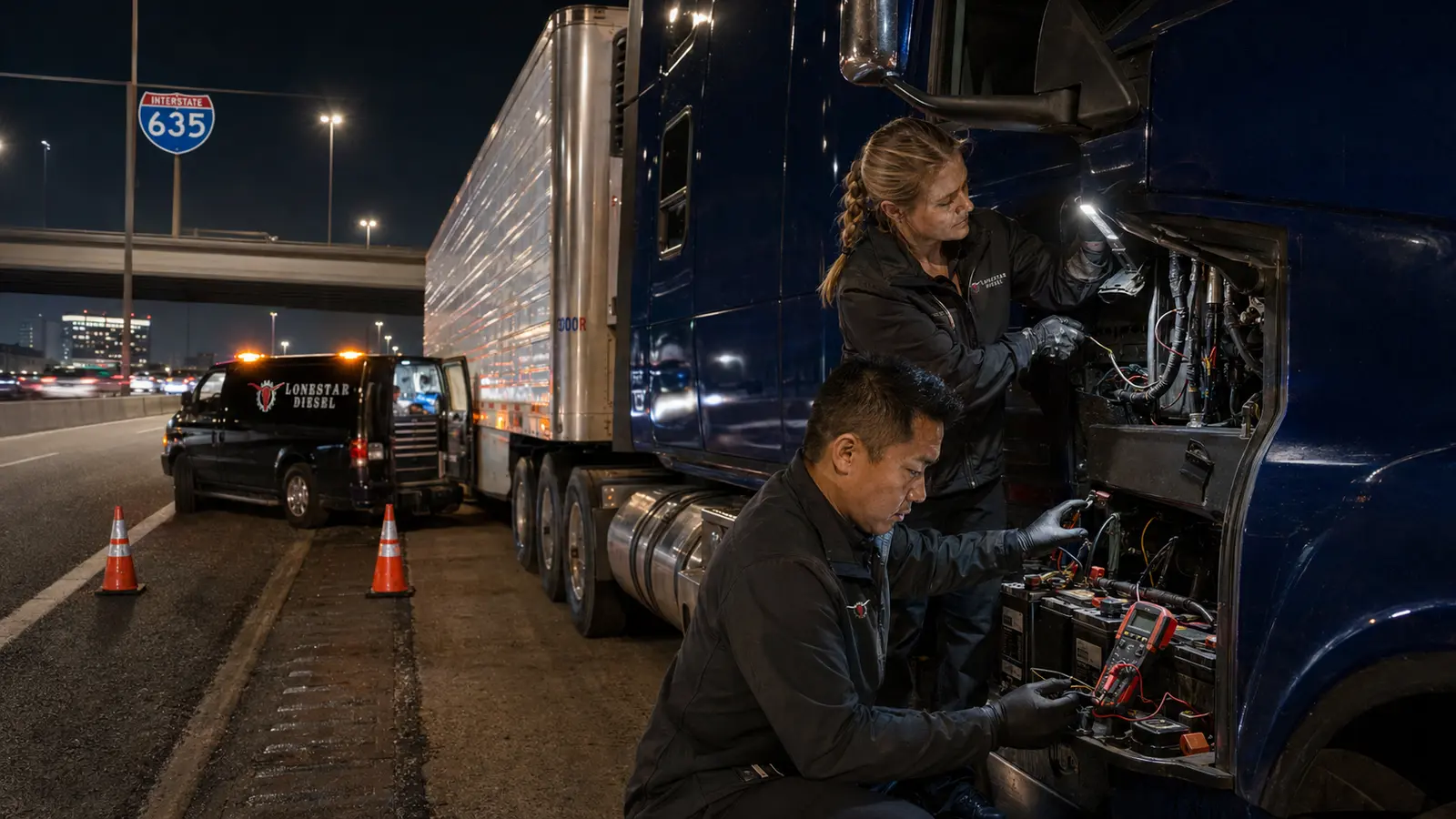
Lonestar Diesel technicians testing the electrical system on a blue tractor-trailer beside Interstate 635 in Dallas at night.

How To Use This Commercial Checklist

Use this guide to improve communication and recordkeeping around a commercial vehicle service need. Adapt it to the truck, trailer, fleet policy, manufacturer recommendations, duty cycle, and applicable requirements.

This resource is educational. It is not an official regulatory form, a complete inspection, legal advice, or authorization to operate unsafe equipment.

Commercial Checklist

1. Confirm the truck is legally and safely positioned before any inspection.

Record completion, observations, follow-up responsibility, and the date when this item is used in a fleet workflow.

2. Record the exact map pin, direction, facility or exit, and access instructions.

Record completion, observations, follow-up responsibility, and the date when this item is used in a fleet workflow.

3. Identify the unit, year, make, model, engine, trailer, and fleet contact.

Record completion, observations, follow-up responsibility, and the date when this item is used in a fleet workflow.

4. Describe whether the engine cranks normally, slowly, clicks, loses power, starts and stalls, or does nothing.

Record completion, observations, follow-up responsibility, and the date when this item is used in a fleet workflow.

5. Photograph dashboard warnings and record messages before cycling power or clearing faults.

Record completion, observations, follow-up responsibility, and the date when this item is used in a fleet workflow.

6. Note recent jump starts, battery replacement, electrical work, fueling, repairs, and weather.

Record completion, observations, follow-up responsibility, and the date when this item is used in a fleet workflow.

7. Record reliable voltage or fault information already available without guessing.

Record completion, observations, follow-up responsibility, and the date when this item is used in a fleet workflow.

8. Check only safe visible conditions such as loose or damaged connections, leaks, odor, smoke, or heat.

Record completion, observations, follow-up responsibility, and the date when this item is used in a fleet workflow.

9. Report fuel level, idle time, last successful start, and whether the condition is hot, cold, or intermittent.

Record completion, observations, follow-up responsibility, and the date when this item is used in a fleet workflow.

10. Share safe-access limitations, parking rules, traffic exposure, load, and trailer status.

Record completion, observations, follow-up responsibility, and the date when this item is used in a fleet workflow.

11. Avoid repeated starting attempts or untrained work around batteries, fuel, traffic, and rotating parts.

Record completion, observations, follow-up responsibility, and the date when this item is used in a fleet workflow.

12. Document the verified cause, repair, test result, and fleet follow-up after service.

Record completion, observations, follow-up responsibility, and the date when this item is used in a fleet workflow.

Commercial Service Context

Use the checklist with the actual unit history, manufacturer information, fleet procedures, and findings from qualified commercial testing.

Lonestar Diesel technicians testing the electrical system on a blue tractor-trailer beside Interstate 635 in Dallas at night.
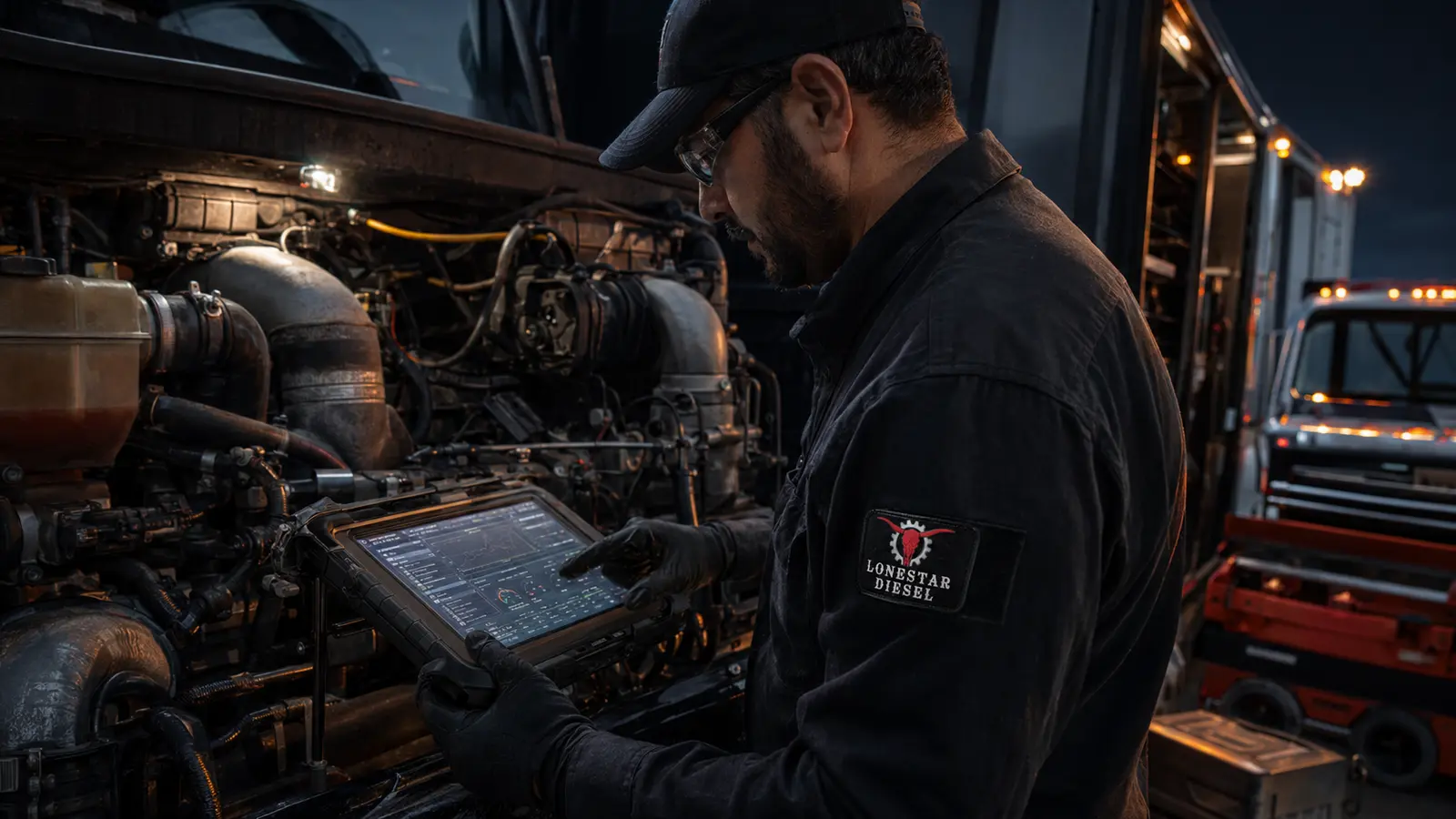
Lonestar Diesel technician using a diagnostic tablet on a commercial semi-truck diesel engine in DFW.

Need Professional Commercial Service?

Call or use the Contact page to share the exact location, vehicle information, symptoms, and service need.

Commercial Service Area Map

Lonestar Diesel location: 104 Indian Dr, Balch Springs, TX 75181. This is the business location; mobile service coverage extends across DFW and North Texas. Call ahead to confirm current in-shop availability.

Get directions to Lonestar Diesel

Dieseltron scanning a disabled commercial truck during a safe nighttime roadside assessment.
Dieseltron Roadside IntelligenceOrganize the Situation Before the Call

Ask Dieseltron • Flagship Tool

Commercial Truck Roadside Triage

Identify urgency, decode available VIN information, capture warning signs, and create a service-ready summary without pretending to diagnose the truck remotely.

Immediate safety signs
Dieseltron status

Ready for your inputs

Select the current situation to create a clear next-action summary.

Call (469) 781-2069

Planning guidance only. This tool does not diagnose, inspect, authorize operation, promise dispatch, or replace the vehicle manufacturer, fleet safety policy, law-enforcement direction, or a qualified commercial technician. If there is fire, smoke, brake loss, an active fluid leak, unsafe positioning, or danger to people or traffic, stop and follow emergency procedures.

Roadside Breakdown?Call (469) 781-2069
Dieseltron, the Lonestar Diesel service guide
DieseltronCommercial Service Guide

Dieseltron Service Navigator

What Is the Truck Doing?

Choose the closest symptom. This guide recommends a service path; it does not diagnose the truck.

Want Road-Ready Tips?

Get maintenance guidance, new resources, and service announcements from Lonestar Diesel.

Double opt-inNo spamOne-click unsubscribe
Emergency service requests should be made by phone. Marketing consent is never required for service.

If there is an immediate safety risk, move to a safe location when possible and call for professional assistance.

Seraphinite AcceleratorOptimized by Seraphinite Accelerator
Turns on site high speed to be attractive for people and search engines.