...
CALL FOR ROADSIDE SERVICE
Skip to checklistCall (469) 781-2069

Commercial Truck Resource

Commercial Truck Cooling System Inspection Checklist

Use this commercial truck cooling-system checklist to document overheating patterns, prepare for DFW heat, and organize qualified inspection and repair follow-up without treating a checklist as authorization to operate unsafe equipment.

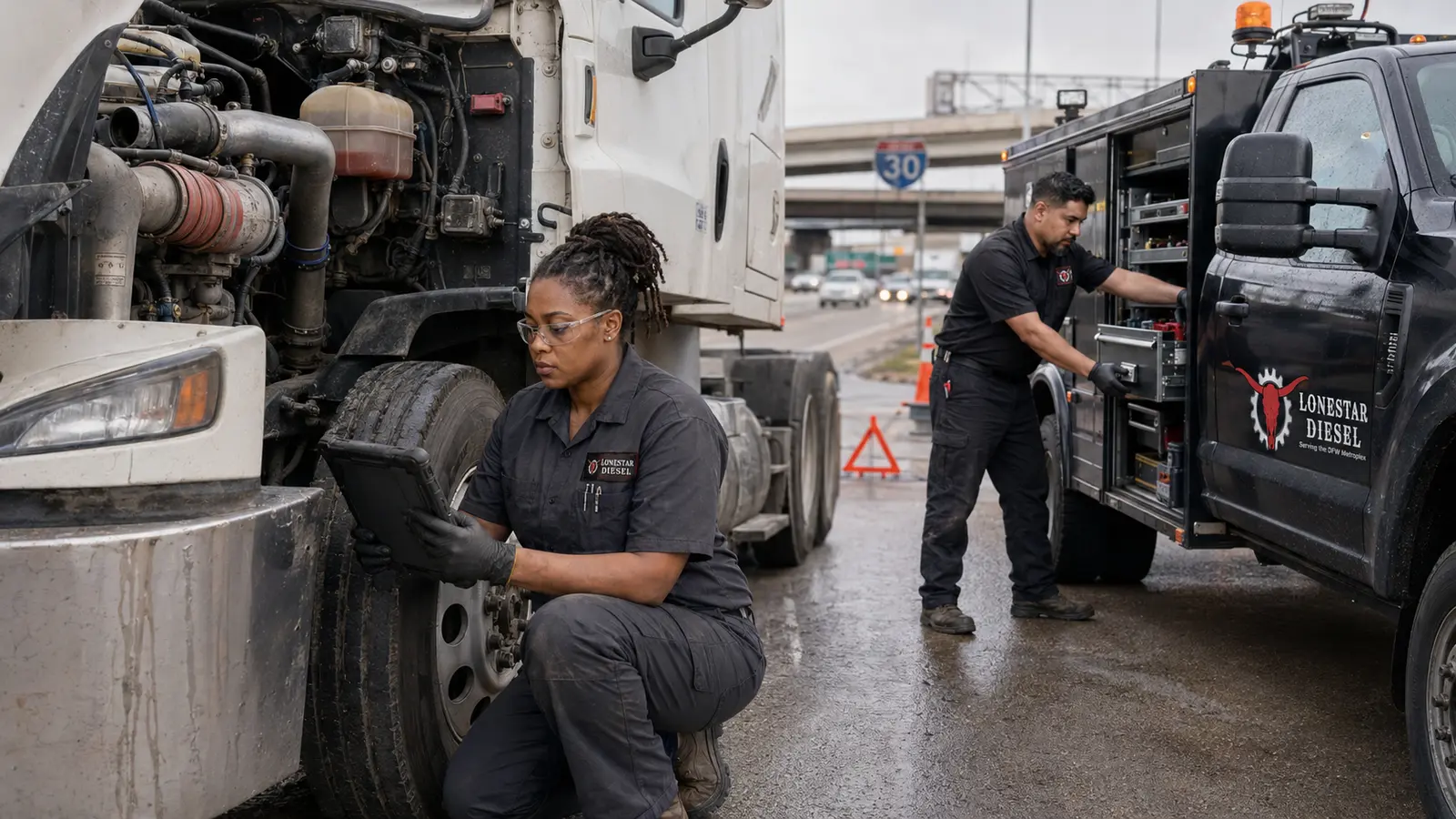
Lonestar Diesel technicians diagnosing a white commercial semi truck beside Interstate 30 in the DFW area.

How To Use This Commercial Checklist

Use this guide to improve communication and recordkeeping around a commercial vehicle service need. Adapt it to the truck, trailer, fleet policy, manufacturer recommendations, duty cycle, and applicable requirements.

This resource is educational. It is not an official regulatory form, a complete inspection, legal advice, or authorization to operate unsafe equipment.

Commercial Checklist

1. Review manufacturer procedures and confirm the truck is cool and safely positioned.

Record completion, observations, follow-up responsibility, and the date when this item is used in a fleet workflow.

2. Record coolant temperature trends, warnings, load, grade, traffic, idle time, and ambient heat.

Record completion, observations, follow-up responsibility, and the date when this item is used in a fleet workflow.

3. Document coolant-loss history, recent top-offs, repairs, and pressure-related symptoms.

Record completion, observations, follow-up responsibility, and the date when this item is used in a fleet workflow.

4. Inspect safe visible areas for dried residue, wet leaks, damaged hoses, loose connections, or abrasion.

Record completion, observations, follow-up responsibility, and the date when this item is used in a fleet workflow.

5. Review coolant condition and service history using the manufacturer-specified coolant requirements.

Record completion, observations, follow-up responsibility, and the date when this item is used in a fleet workflow.

6. Inspect belts, pulleys, fan condition, fan controls, and visible wiring using qualified procedures.

Record completion, observations, follow-up responsibility, and the date when this item is used in a fleet workflow.

7. Review radiator and charge-air-cooler cleanliness, damage, restriction, and airflow concerns.

Record completion, observations, follow-up responsibility, and the date when this item is used in a fleet workflow.

8. Check the service history for thermostat, water-pump, cap, sensor, EGR, and repeated temperature issues.

Record completion, observations, follow-up responsibility, and the date when this item is used in a fleet workflow.

9. Photograph warning messages, leaks, residue, and damaged components before cleaning or repair.

Record completion, observations, follow-up responsibility, and the date when this item is used in a fleet workflow.

10. Compare overheating at idle, road speed, under load, after shutdown, and during regeneration when applicable.

Record completion, observations, follow-up responsibility, and the date when this item is used in a fleet workflow.

11. Document pressure tests, diagnostic findings, repair verification, and any required follow-up.

Record completion, observations, follow-up responsibility, and the date when this item is used in a fleet workflow.

12. Escalate unsafe access, severe coolant loss, internal-engine concerns, or unverified temperature control.

Record completion, observations, follow-up responsibility, and the date when this item is used in a fleet workflow.

Commercial Service Context

Use the checklist with the actual unit history, manufacturer information, fleet procedures, and findings from qualified commercial testing.

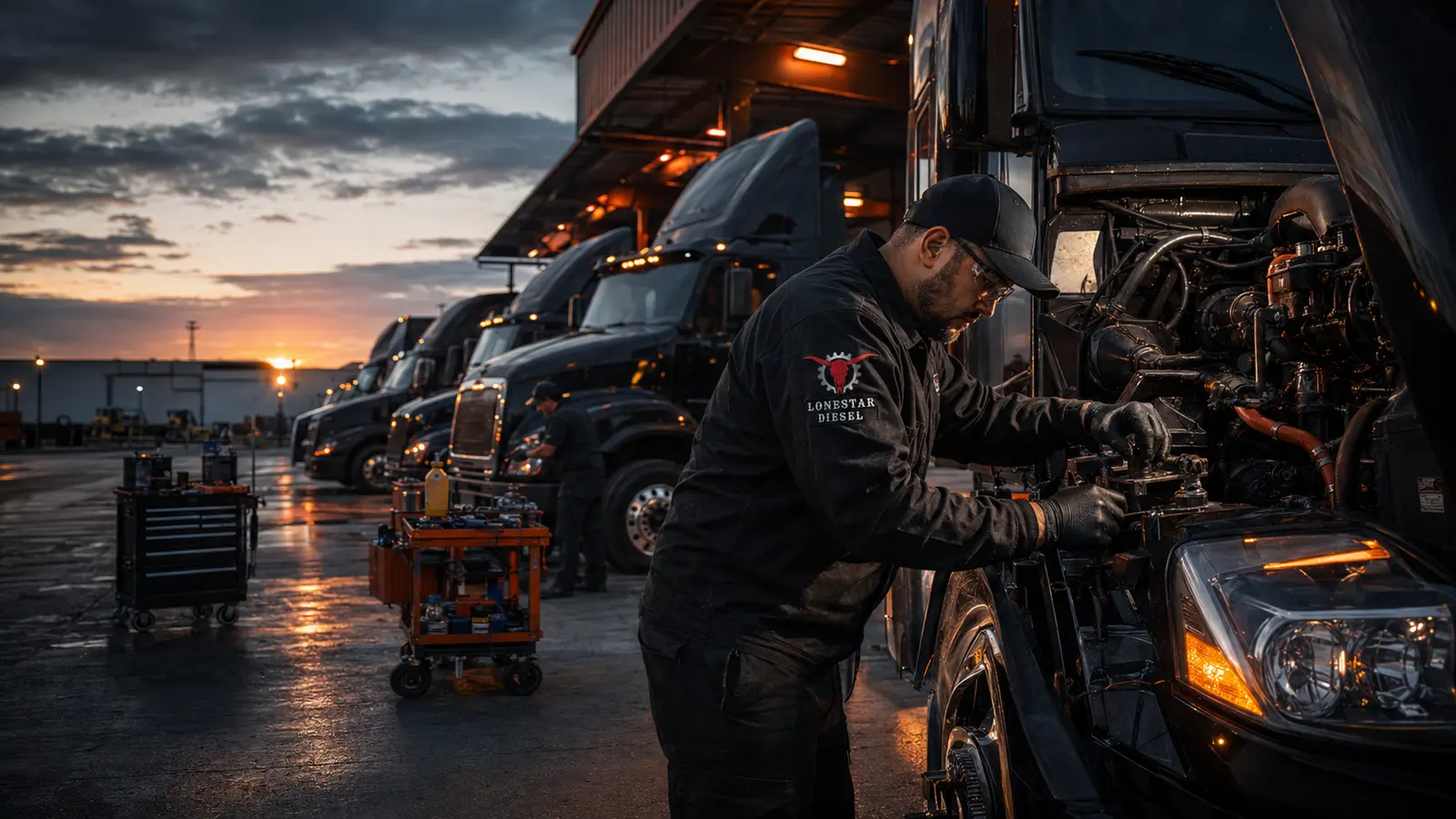
Lonestar Diesel technician performing fleet maintenance on black commercial semi trucks in a DFW fleet yard.
Lonestar Diesel technician performing mobile diesel repair on a commercial semi truck beside a DFW highway at night.

Need Professional Commercial Service?

Call or use the Contact page to share the exact location, vehicle information, symptoms, and service need.

Commercial Service Area Map

Verified Google map: This embedded map is connected to the Lonestar Diesel Google Maps entity. Service availability still depends on the exact truck location, direction of travel, access conditions, repair scope, and dispatch capacity.

Dieseltron, the Lonestar Diesel service guide
DieseltronCommercial Service Guide

Dieseltron Service Navigator

What Is the Truck Doing?

Choose the closest symptom. This guide recommends a service path; it does not diagnose the truck.

Want Road-Ready Tips?

Get maintenance guidance, new resources, and service announcements from Lonestar Diesel.

Road-Ready email updates are being configured. Please check back soon or call (469) 781-2069 for commercial service.

If there is an immediate safety risk, move to a safe location when possible and call for professional assistance.

Seraphinite AcceleratorOptimized by Seraphinite Accelerator
Turns on site high speed to be attractive for people and search engines.